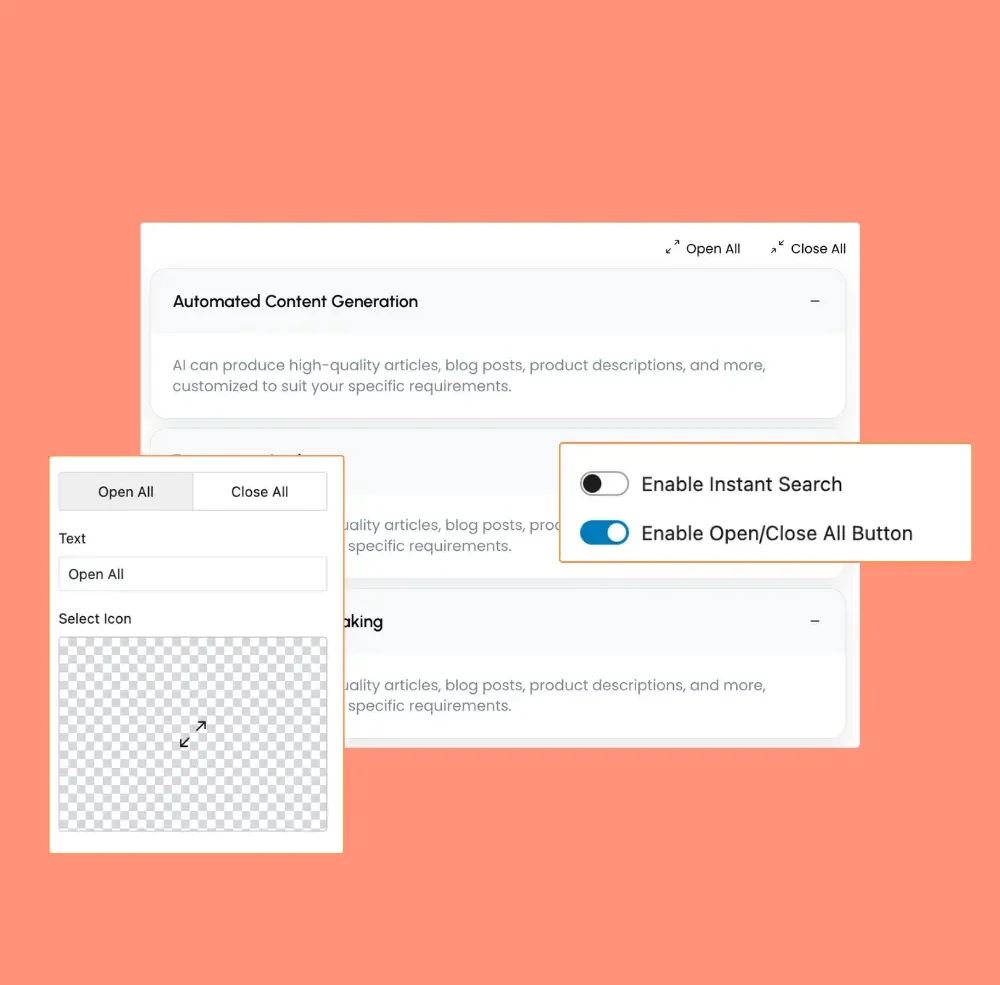
Features
Features – A powerful, customizable accordion with smooth animations, nested support, icon positioning, and 100+ icons for enhanced usability.
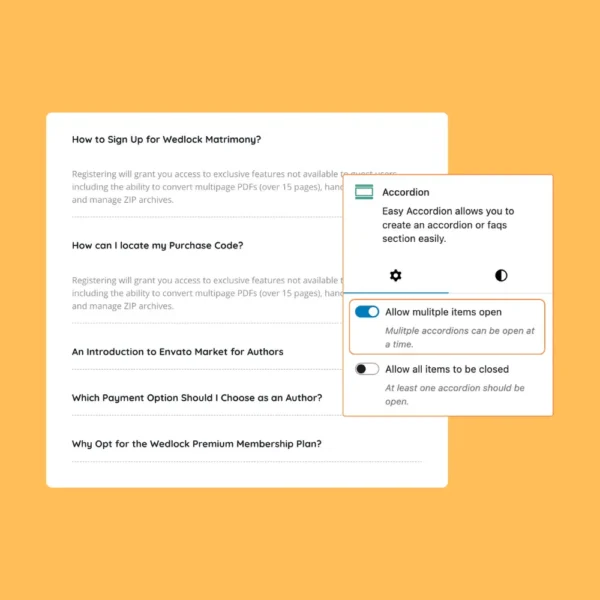
Multiple Accordion Items Open
Enables multiple accordion panels to open at once, offering easy access to detailed content and information.
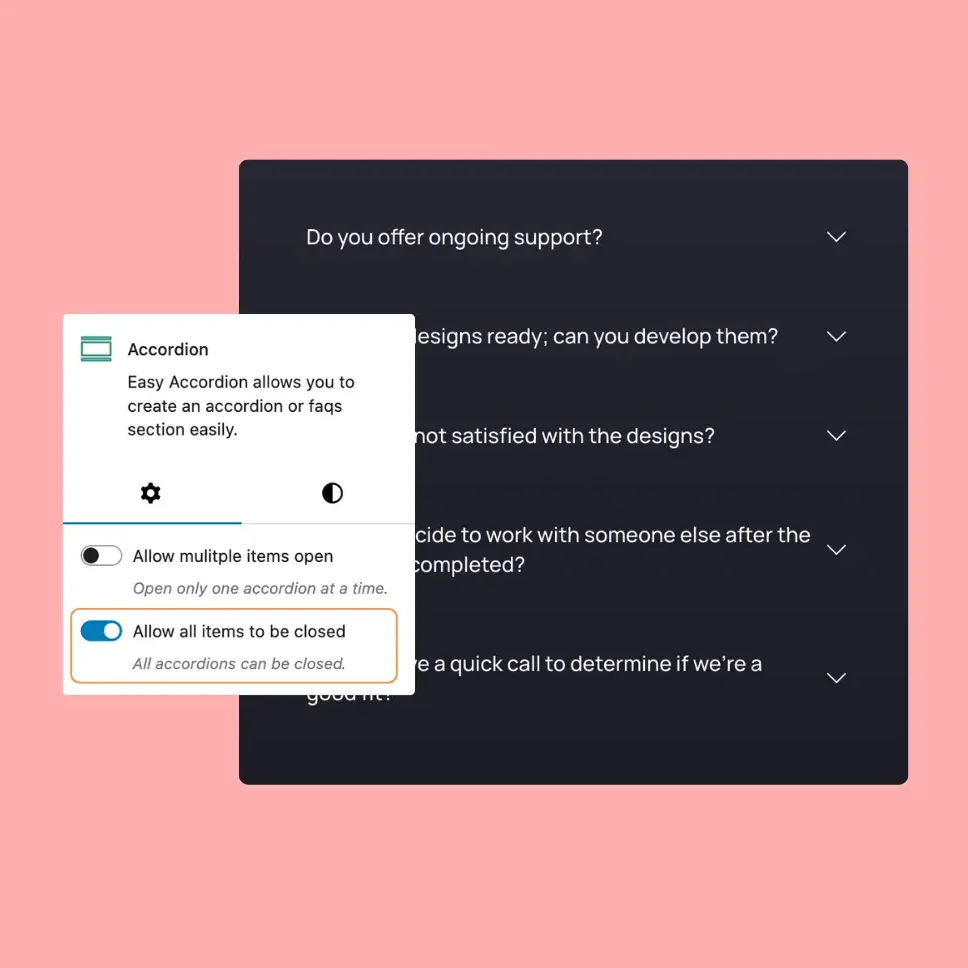
All Accordion Items Closed
Allows you to close all accordion items, as a result, your users will get an awesome feelings.
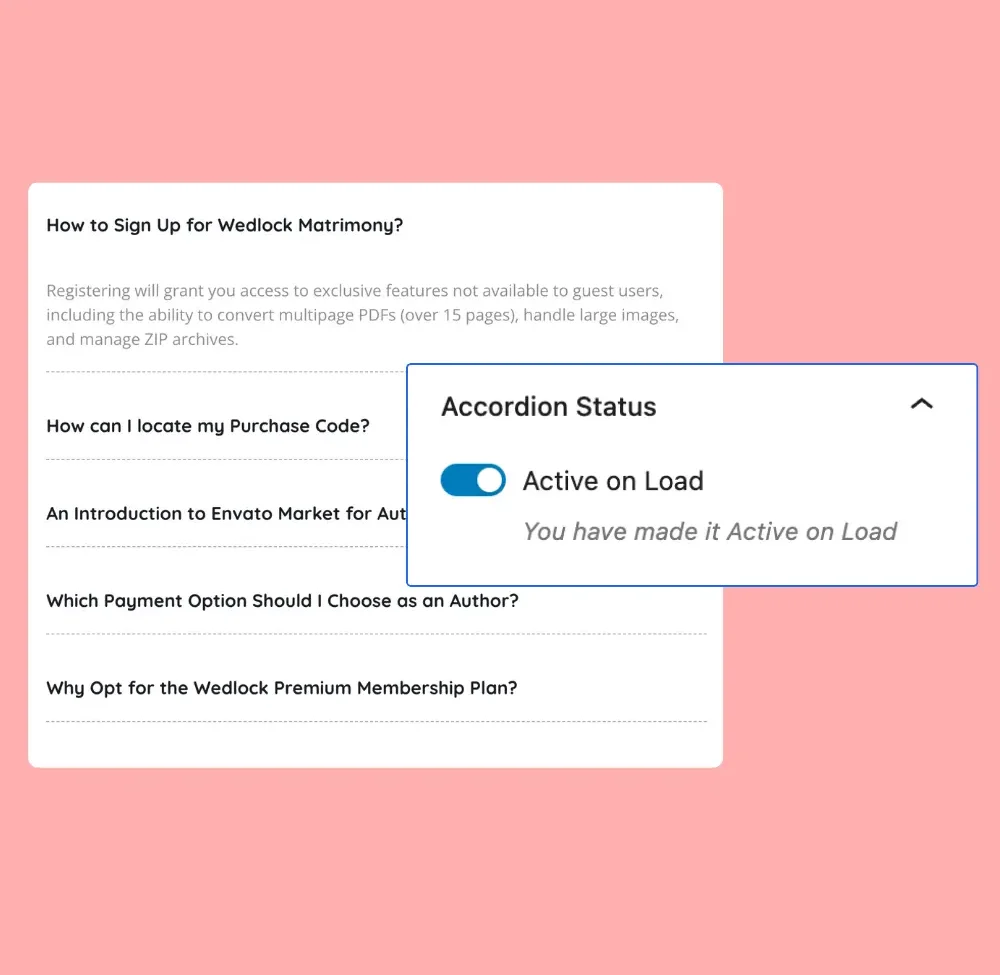
Active on Load
Active on Load – An option that keeps the first accordion item open when the page loads for better visibility.
Any Content Accordion
Any Content Accordion – A smooth, customizable accordion for FAQs, feature lists, and organized content display.
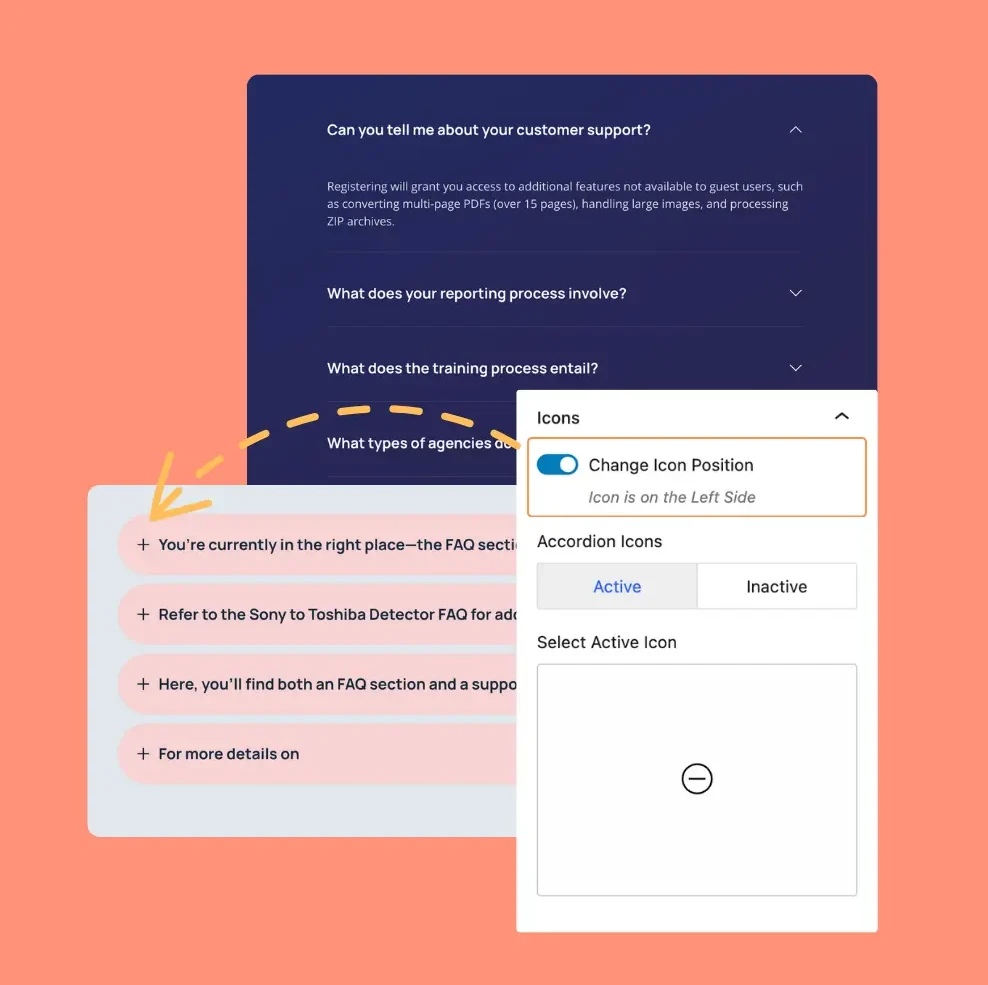
Different Icon Position
Different Icon Position – Allows you to customize the icon placement, aligning it left, right, or within the accordion title.
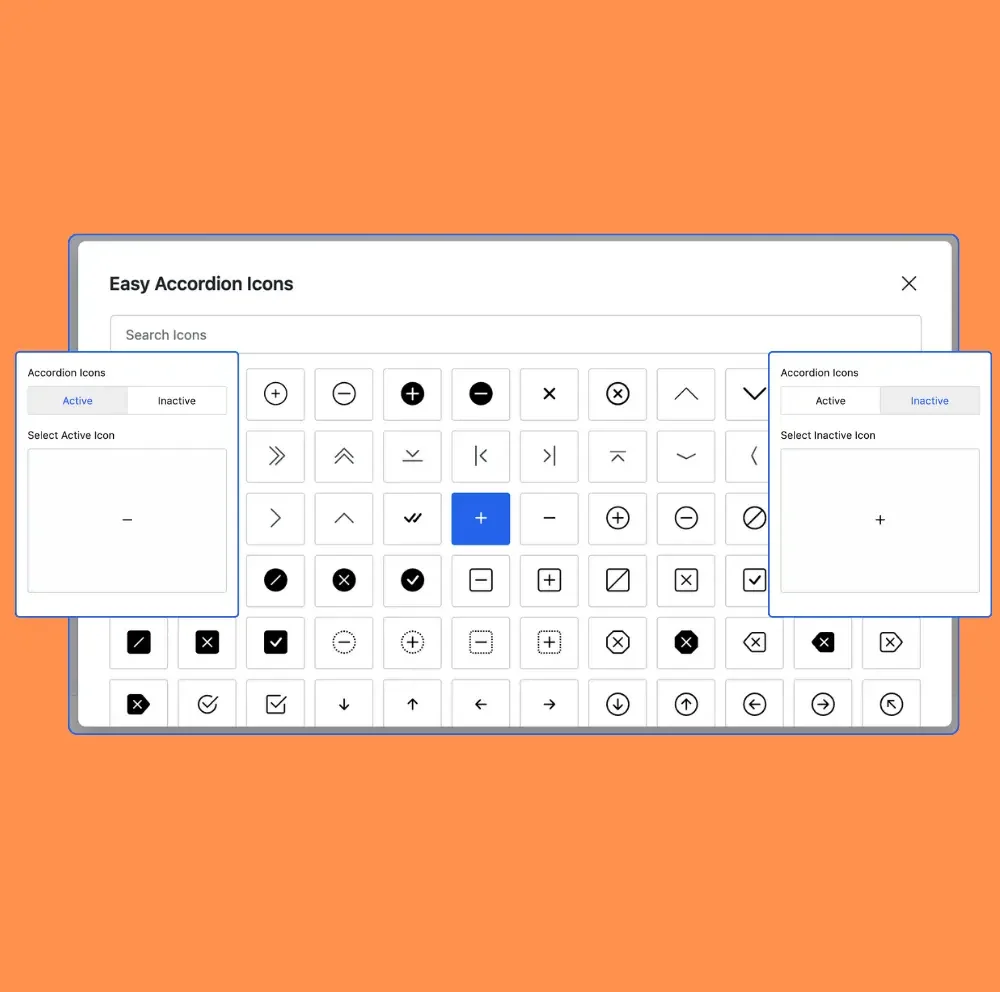
100+ icon Support
100+ Icon Support – Choose from over 100 icons to customize and enhance your accordion’s visual appeal.
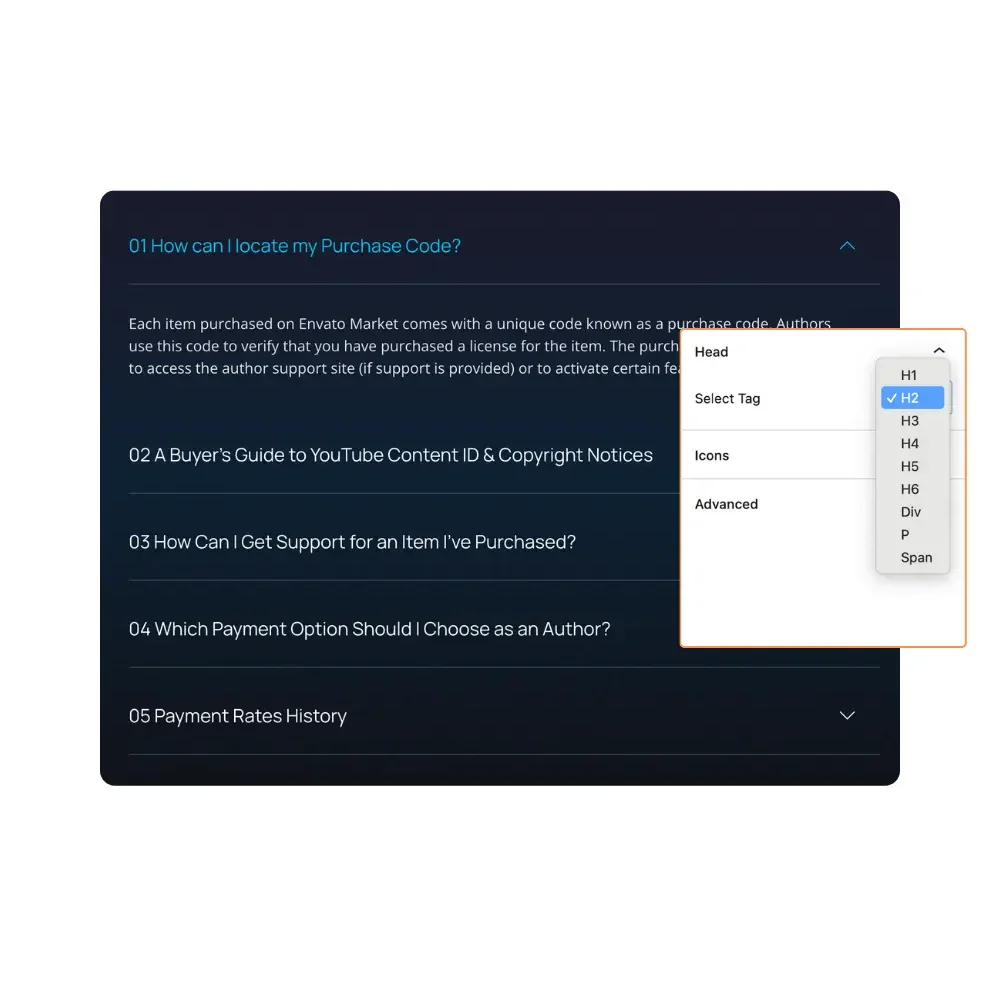
Multiple Heading Tag
Supports multiple heading tags, offering flexibility in organizing content and improving accessibility within the accordion.
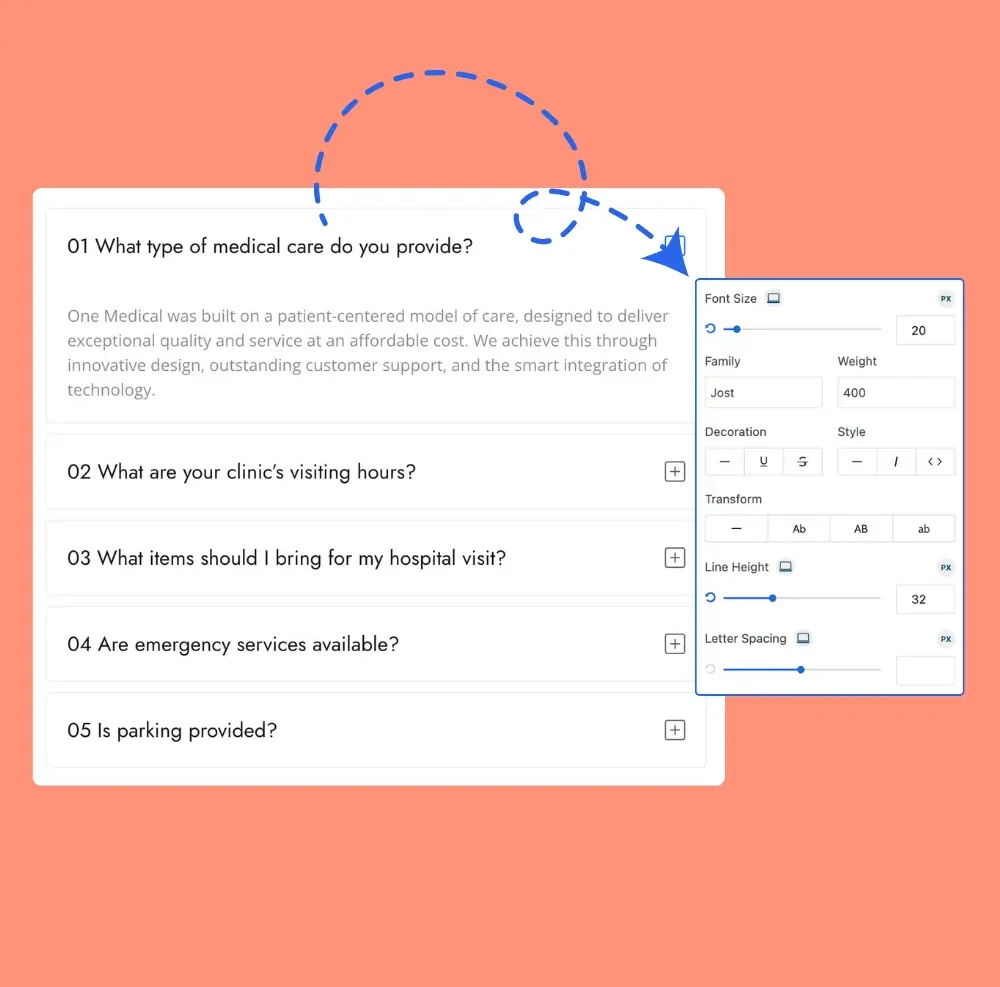
Typography
Allows full typography customization, enabling you to adjust fonts, sizes, colors, and styles in the accordion.
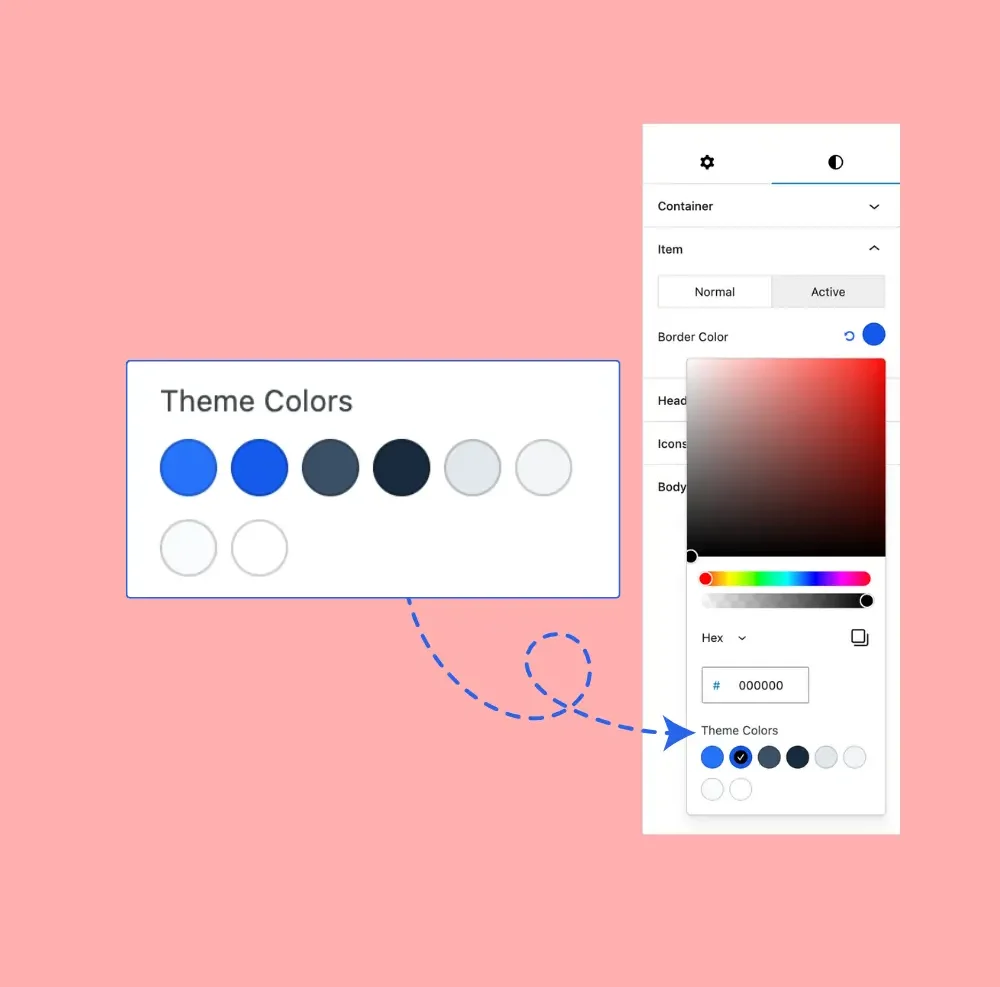
Theme Color Support
Supports theme color customization, allowing you to match the accordion’s appearance with your website’s design.
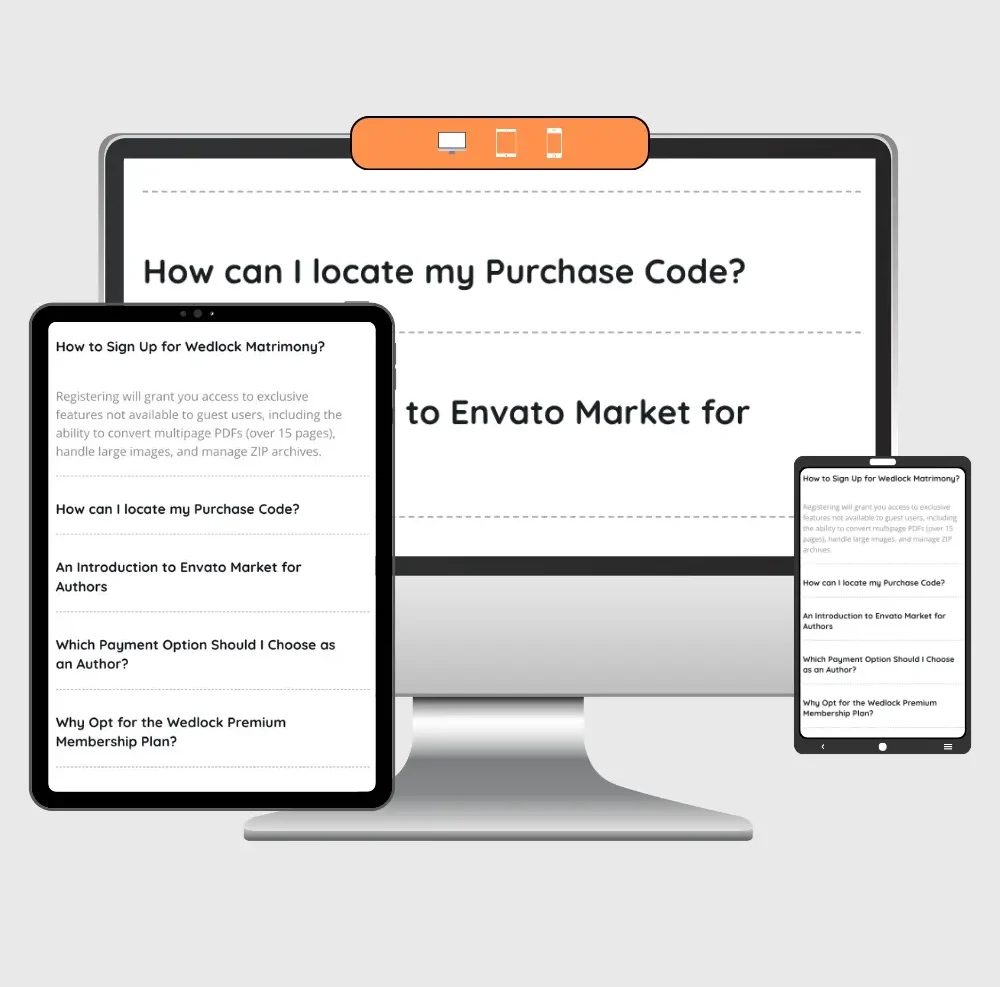
Responsive Accordion
Ensures the accordion adapts seamlessly to different screen sizes, providing an optimal user experience on all devices.
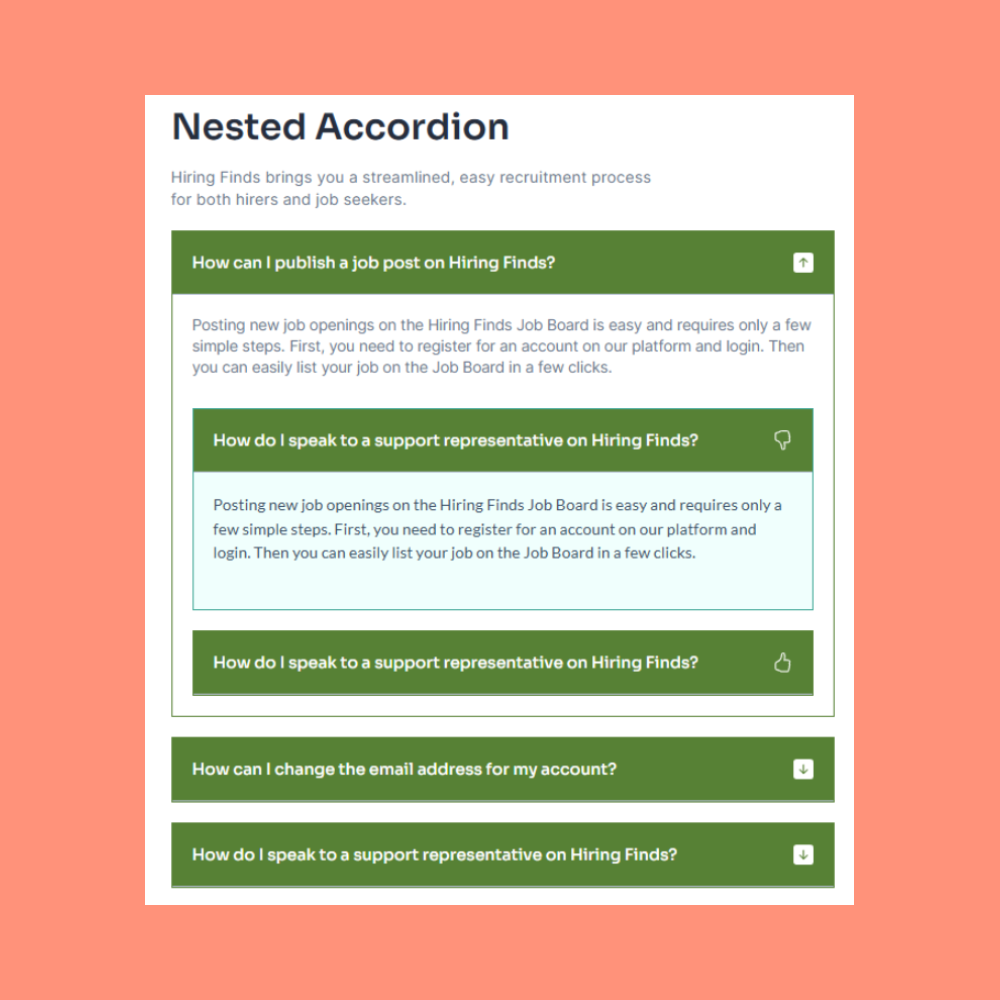
Nested Accordion
Easily create accordions within accordions for better content organization and a seamless user experience.
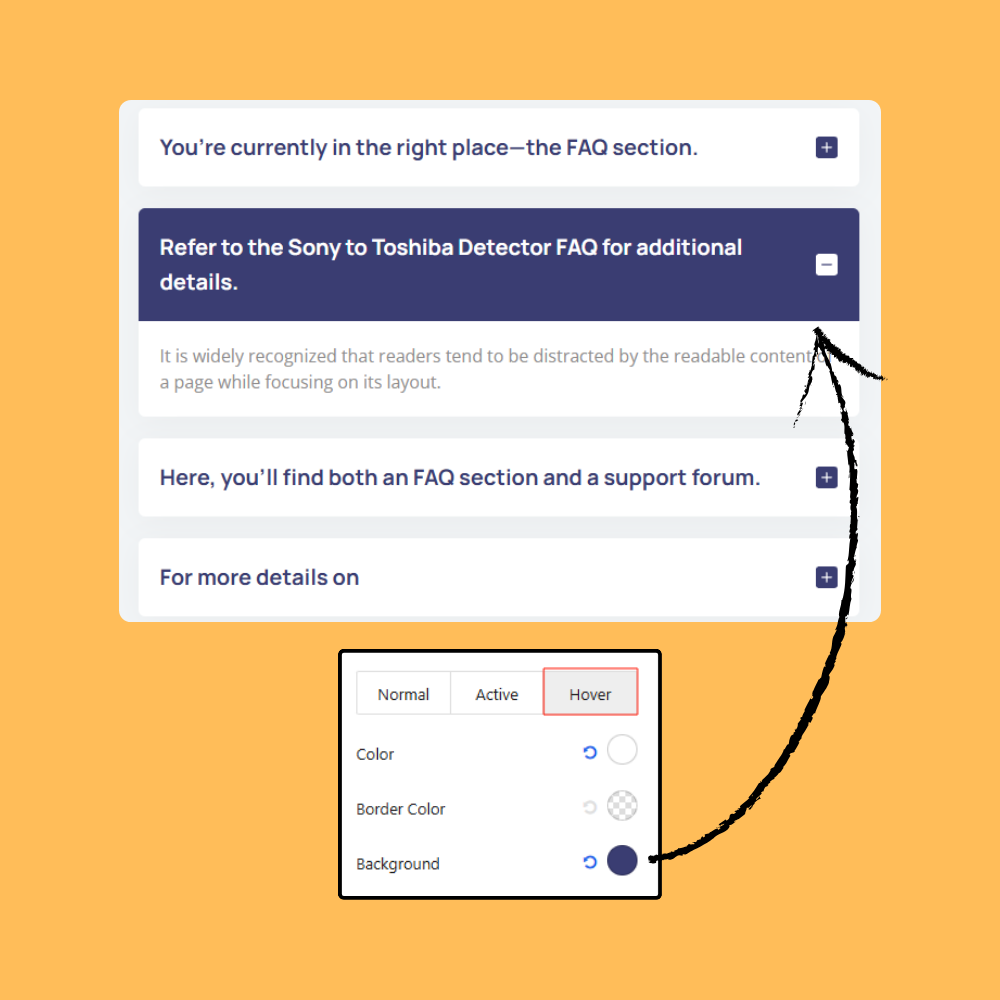
Cursor Hover Effects
Cursor hover effects create interactivity with animations or style changes when hovering over webpage elements.
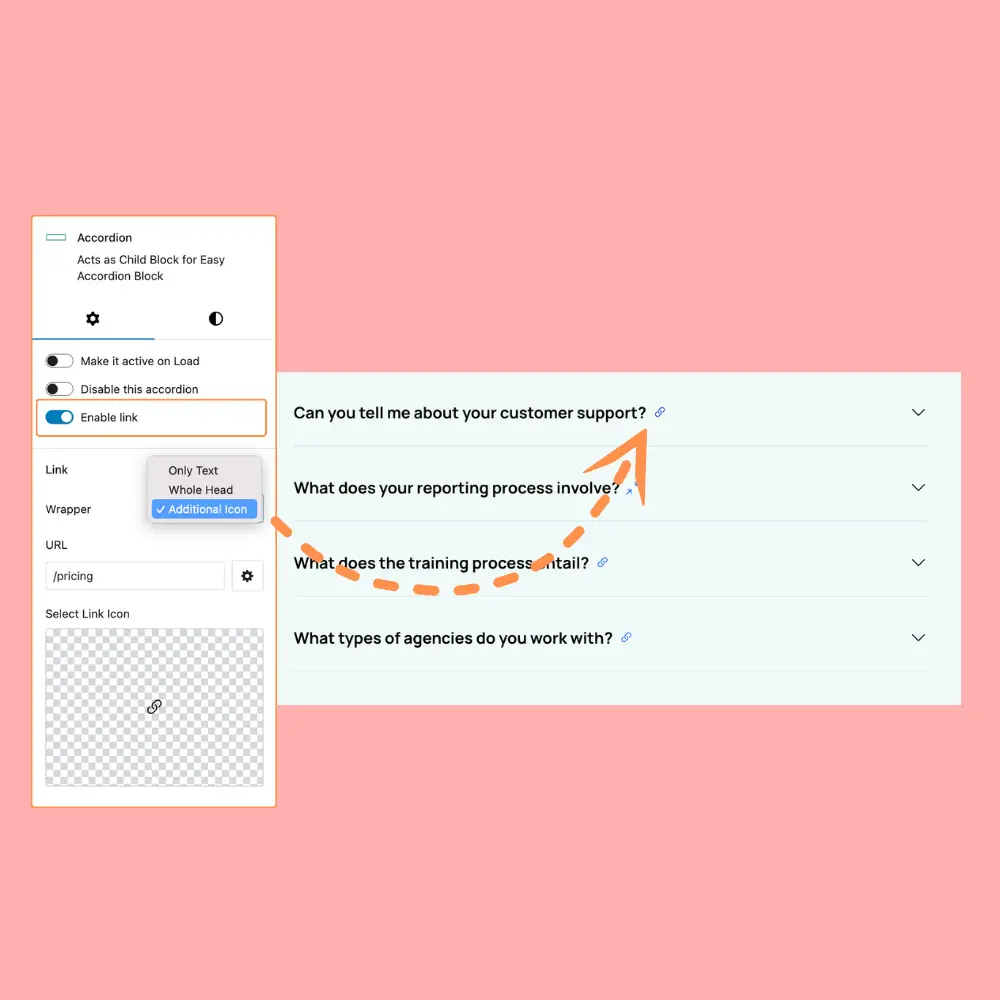
Accordion Links
Accordion items can be linked via text, whole header, or additional icon for versatile navigation options.
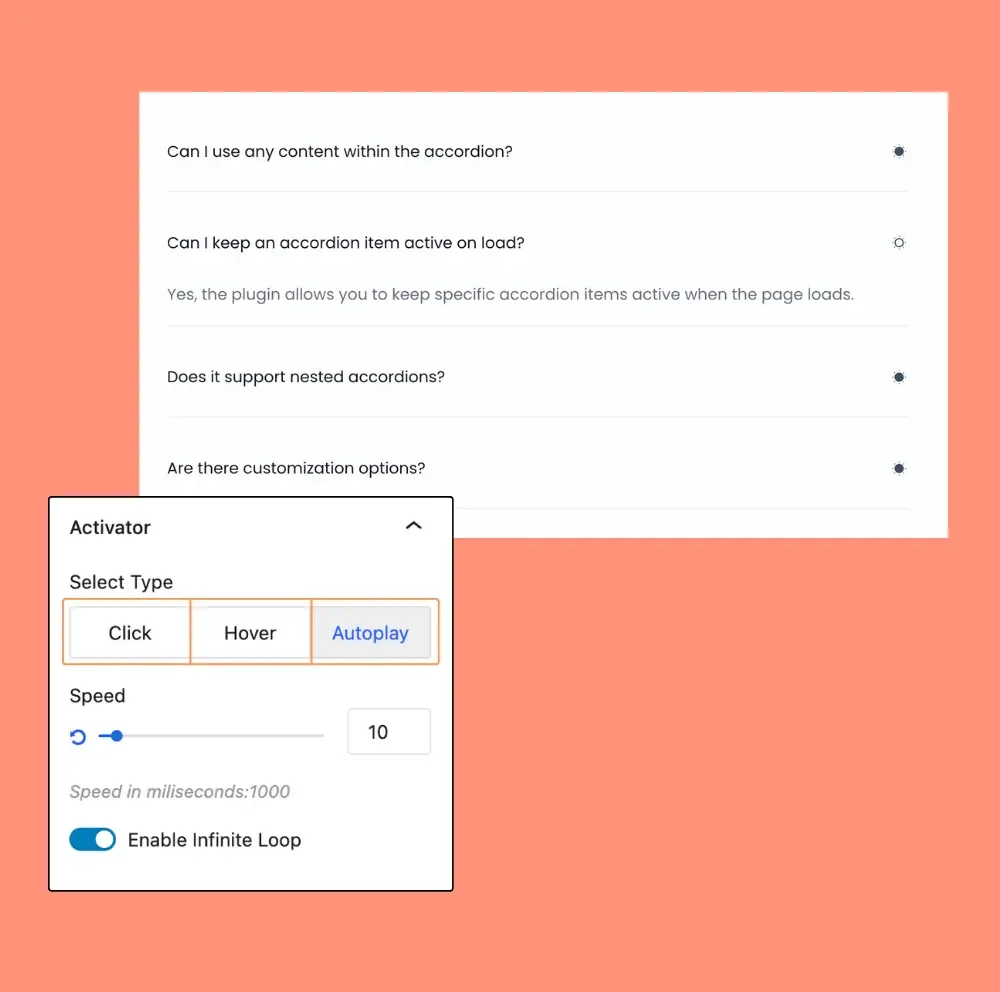
3 Event Activators
The three events—Click, Hover, and Autoplay—enable interactive actions for accordion items, enhancing user experience.
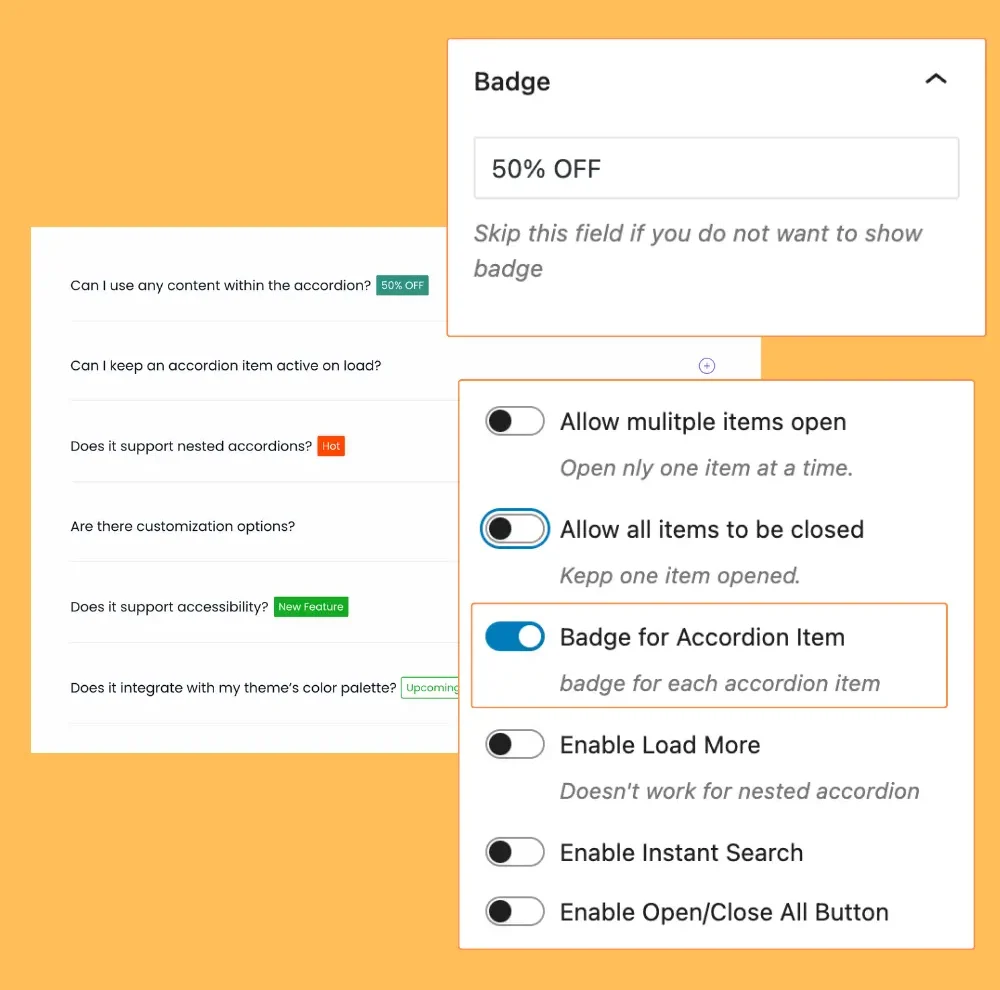
Accordion Badge
The Badge feature allows adding small labels to accordion items, visually highlighting key information or status.
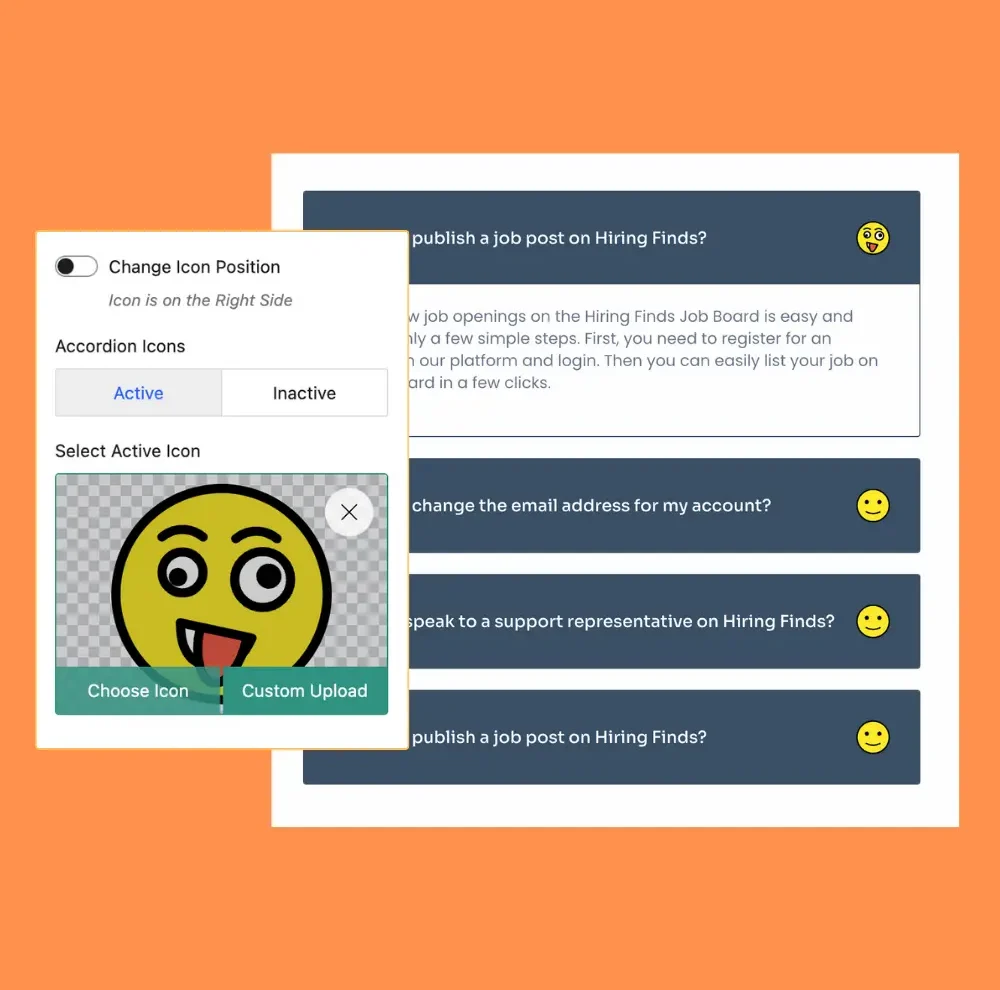
Custom Icon Used
The Custom Icon feature enables adding personalized icons to accordion items for enhanced visual appeal and clarity.
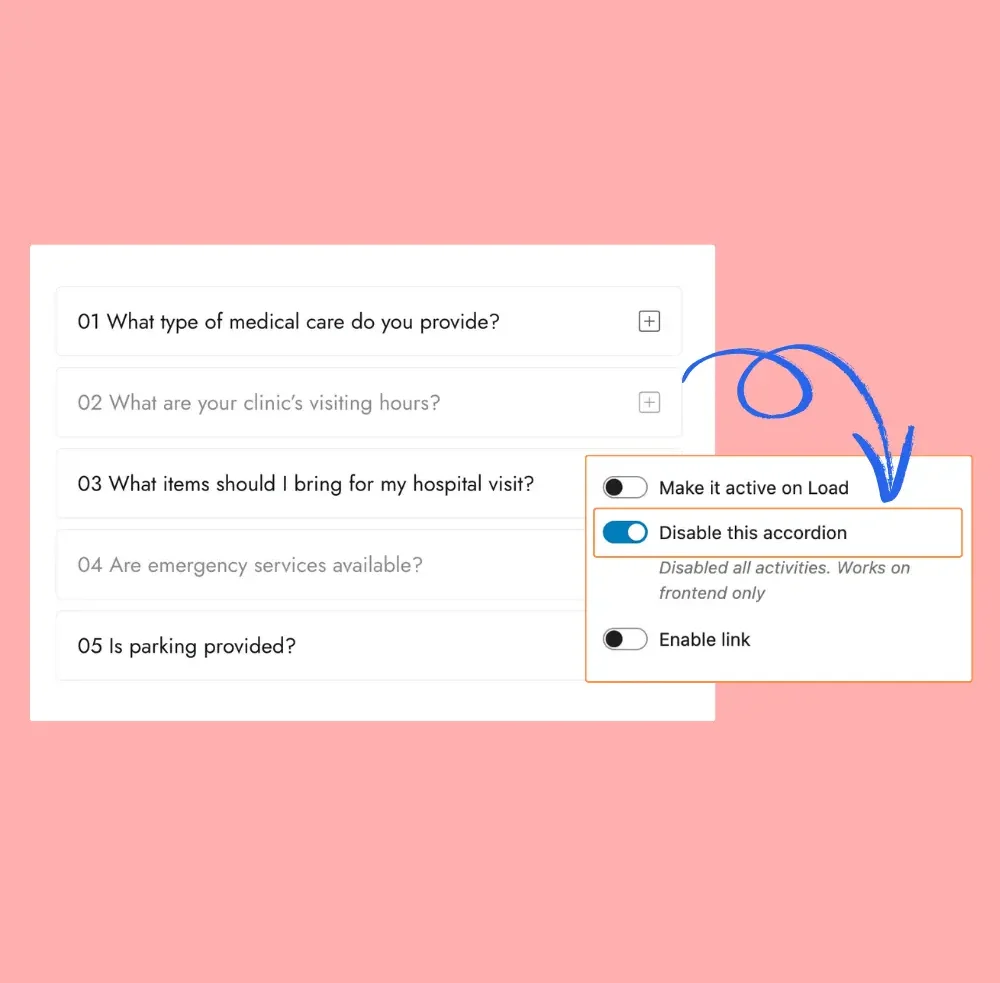
Disable Accordion item
Disable Accordion Item feature allows users to prevent specific accordion items from being interacted with by disabling them.
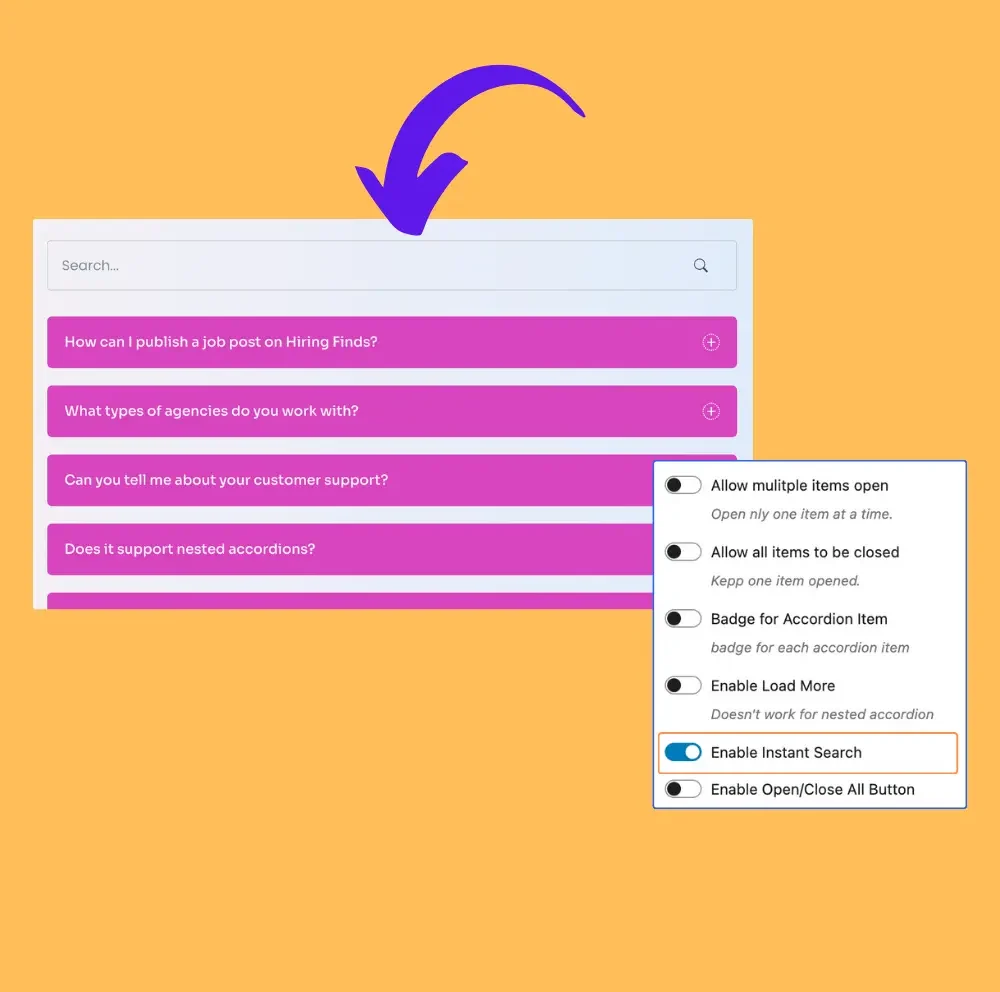
Instant Search
The Instant Search feature allows users to quickly find relevant content within the accordion effortlessly.
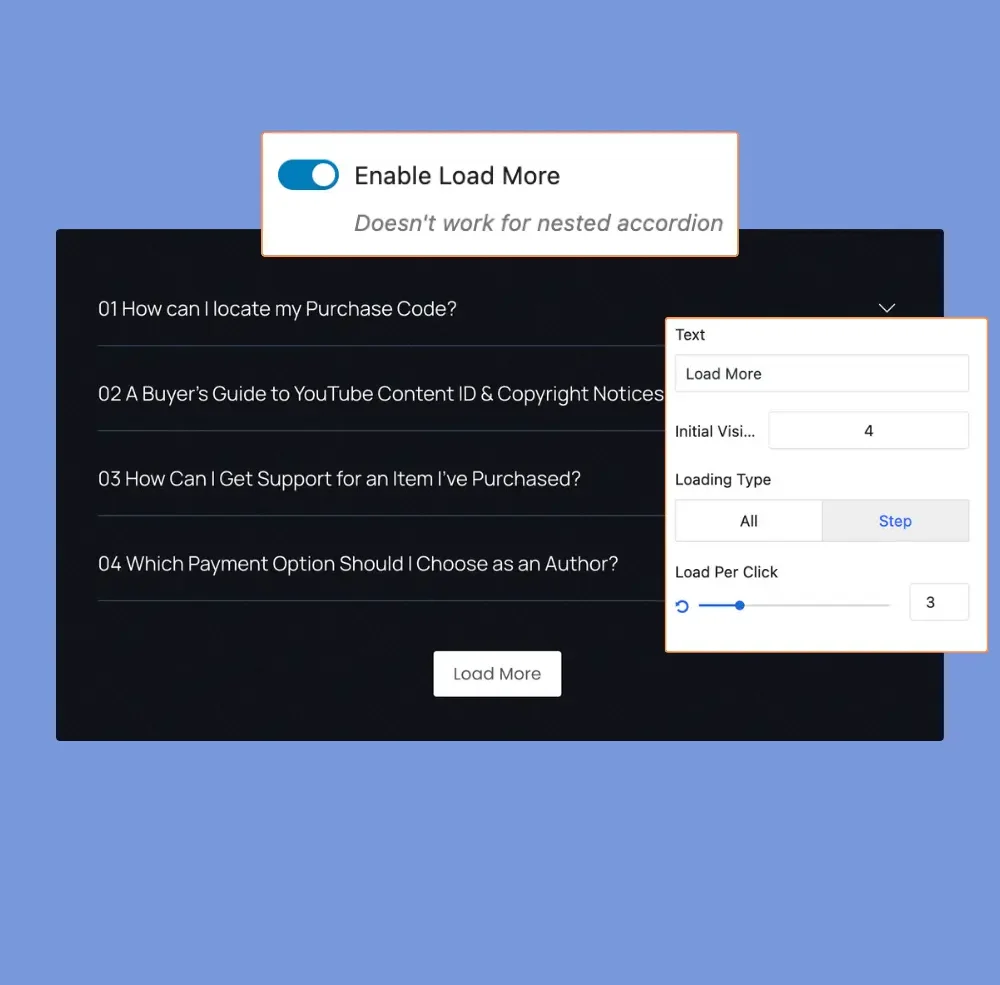
Load More
The Load More feature enhances content accessibility by allowing users to reveal additional items effortlessly.
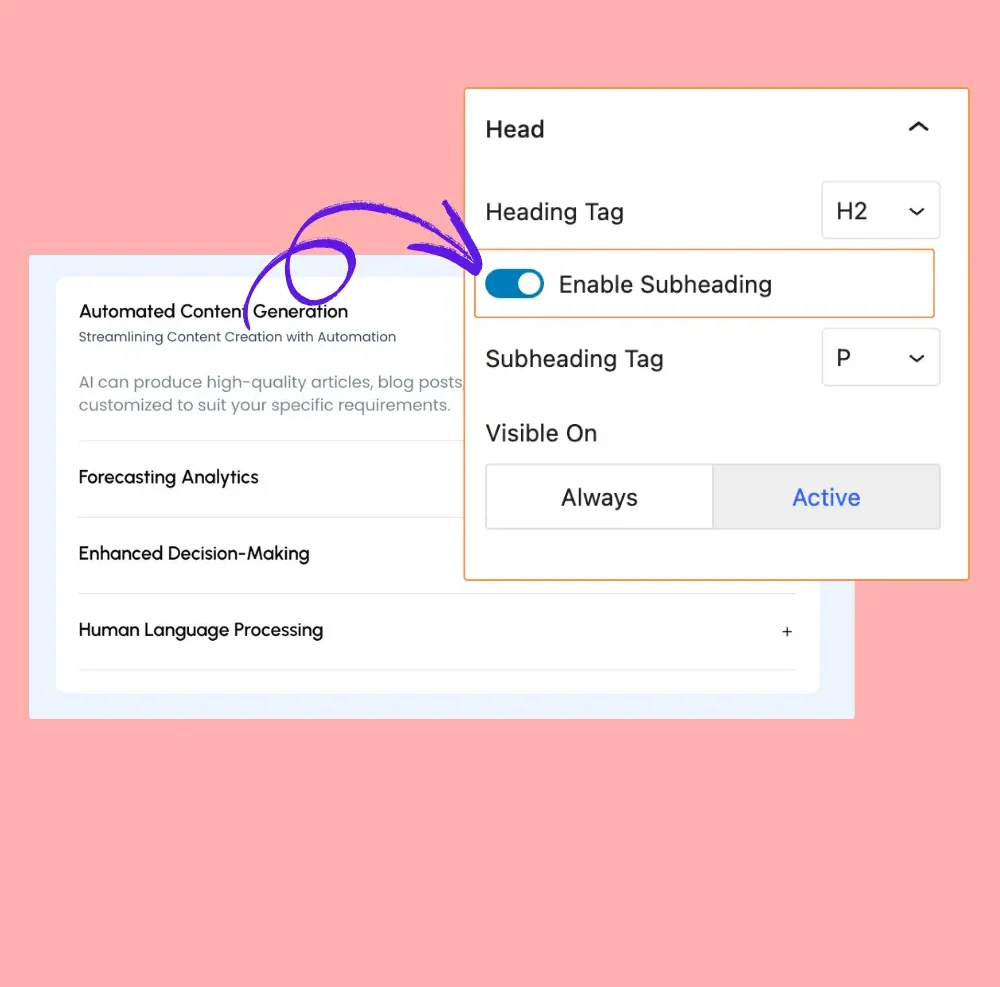
Subheading
Allows typography customization to adjust fonts, sizes, colors, and styles for better accordion content display.
One Click Toggle
One Click Toggle allows users to switch between two states instantly, improving usability and interactivity effortlessly.